
How to Order MpesuMax Online: Delivery, Payment and What to Expect
Ordering MpesuMax online takes a few minutes. This guide covers how to place an order, which delivery option to pick, how to pay, and what happens after you click “Place order”. If anything goes wrong along the way, the last section tells you what to do.
How to place your order, step by step
- Choose your product. Open the shop and pick the format you want. Not sure which one suits you? Read Mpesu powder vs capsules vs tonic first.
- Add it to your cart. Choose the quantity and tap “Add to cart”. You can keep shopping or go straight to checkout.
- Enter your delivery details. Give a full street address, including the suburb and postal code, and a cellphone number the courier can reach. A complete address is the easiest way to avoid a delay.
- Pick a delivery option. Standard or VIP Priority. Both are explained below.
- Choose how to pay. Card, Capitec Pay, Apple Pay or Google Pay, or EFT. Both options are explained below.
- Place your order. You will receive an order confirmation by email with your order number. Keep it handy, because you need it for EFT payments and for any questions.
Delivery options and costs
We deliver door to door anywhere in South Africa.
| Option | Cost | Delivery time after dispatch |
|---|---|---|
| Standard Door to Door | R119 | 3 to 7 working days |
| Standard, orders of R750 or more | Free | 3 to 7 working days |
| VIP Priority Door to Door | R199 | 2 to 4 working days |
Working days are Monday to Friday, excluding public holidays. Rural and remote areas can take towards the longer end of each range.
When your order is dispatched: orders placed and paid before 12:00 on a business day are usually dispatched the same day from our warehouse in Kew, Johannesburg. Orders placed later, or on weekends and public holidays, go out on the next business day.
Discreet packaging: every order is shipped in plain, unbranded packaging, with nothing on the outside to show what is inside.
Full details are on our delivery information page.
How to pay
Option 1: Card, Capitec Pay, Apple Pay or Google Pay
Card payments are processed by Stitch, a secure payment provider. We never see or store your card details. When you choose this option, you are taken to a secure payment page:
- Debit or credit card: enter your card details, then approve the payment when your bank asks you to, usually in your banking app or with a one-time PIN sent by SMS.
- Capitec Pay: enter your cellphone number or ID number, then approve the payment in your Capitec app. No card details are needed.
- Apple Pay or Google Pay: available on phones that have it set up.
Once the payment goes through, you are sent back to our site and your order is confirmed straight away.
Option 2: EFT or ATM transfer
Choose “EFT or ATM Transfer” at checkout. Our bank details are shown after you place the order and are included in your order email. Pay the order total and use your order number as the payment reference, so we can match your payment quickly. Your order is packed once the payment reflects in our account.
If your card payment does not go through
Card payments sometimes fail for reasons that have nothing to do with you or with our site. Your bank may be waiting for you to approve the payment, the approval may have timed out, or your bank may have blocked an online purchase. If that happens:
- Check your banking app. Look for an approval request and accept it. Then try once more.
- Try another payment method on the same payment page. If a card fails, Capitec Pay is a good alternative.
- Switch to EFT. It does not depend on your bank approving an online payment. Go back to checkout, choose “EFT or ATM Transfer” and pay with your order number as the reference.
- Message us on WhatsApp on 063 271 7519 with your order number, and we will help you finish the order.
If you are worried that you were charged twice, contact us with your order number before trying again. Do not pay a second time.
After you order
- Confirmation: you receive an order email as soon as the order is placed.
- Tracking: once your parcel is dispatched, you receive a tracking number by SMS or email, so you can follow it on the courier’s website.
- Changing your address: contact us as soon as possible. We can only change the delivery address before the parcel is dispatched.
- Missed delivery: the courier usually tries again or leaves a notification, and you can collect from their nearest depot using your tracking number.
Prefer to buy in person?
You can buy MpesuMax at the Imvelo Herbal Wellness shop, 136 10th Road, Kew, Johannesburg. The shop is open Monday to Friday 08:00 to 17:00 and Saturday 09:00 to 14:00, and is closed on Sundays. Call 063 271 7519 before you visit. For other places that stock MpesuMax, see Mpesu price and where to buy.
Popular MpesuMax products
- MpesuMax Libido Tonic with Umdolofiya (200ml): R199
- MpesuMax Libido Tonic, 3-Pack: R499
- Mpesu + Umdolofiya Raw Powder (100ml): R250
- Mpesu + Umdolofiya Capsules (20): R199
- MpesuMax Triple Pack: Tonic, Powder and Capsules: R599
Prices are correct at the time of writing; the price shown in the shop and at checkout is the one that applies.
Before you use any MpesuMax product, read how to use Mpesu and side effects of Mpesu and who should avoid it.
Recent Post
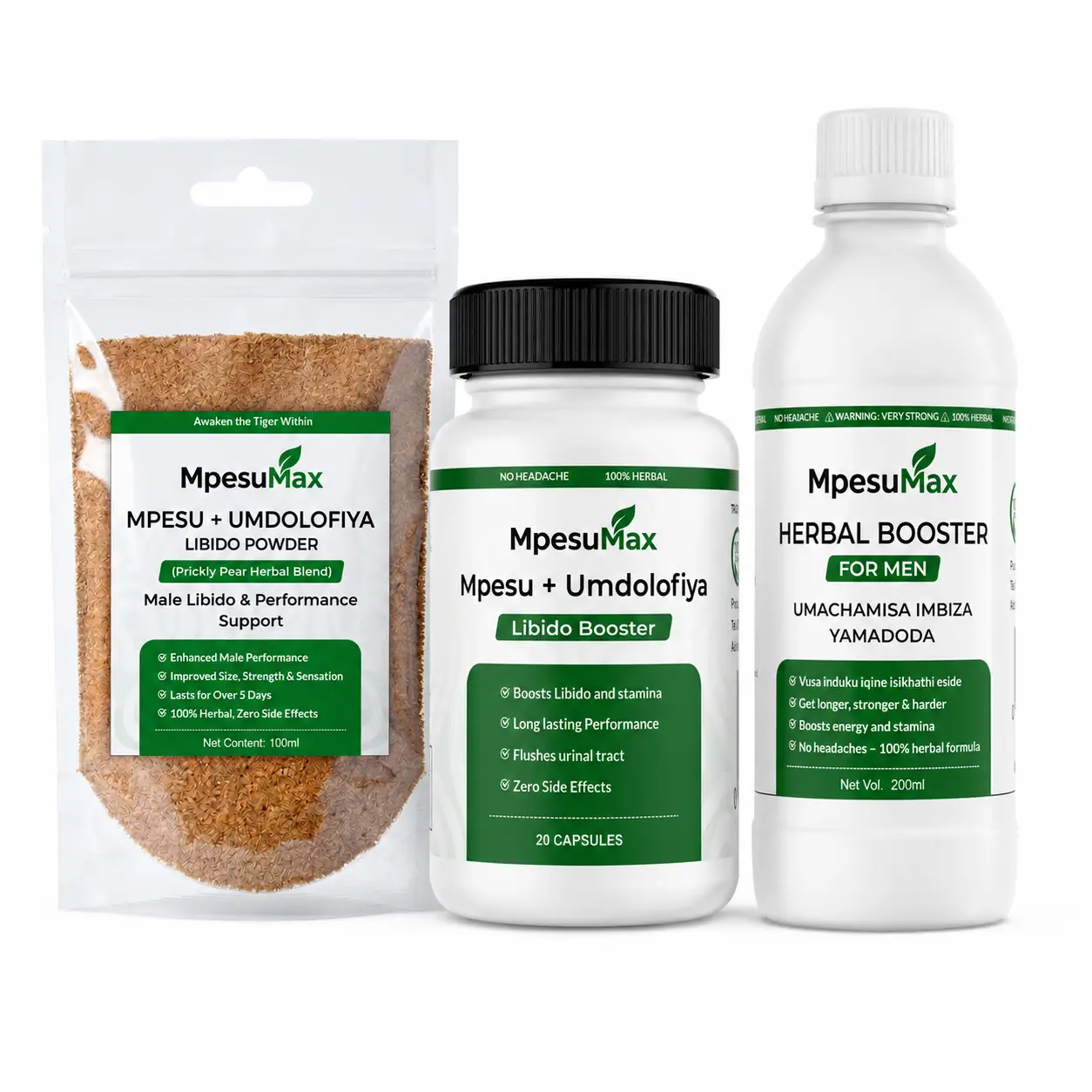
Mpesu Powder vs Capsules vs Tonic: Which Should You Choose?
October 16, 2026

What Is Imbiza? Imbiza Yamadoda and Umachamisa Explained
October 13, 2026
How to Use Mpesu: Powder, Capsules and Tonic
October 12, 2026